Securing SharePoint

Protect critical data and enable secure, compliant SharePoint collaboration with advanced, proactive security tailored to your business.

Eliminate unauthorized access risks, SharePoint security hardening reduces incidents and ensures only the right users see sensitive files.

Prevent data leaks, custom permissions and automated monitoring tools quickly identify and block suspicious activity in real time.

Stay compliant, robust audit trails and policy controls help meet regulatory and industry requirements every step of the way.

Stop phishing and malware, AI-driven detection and Microsoft 365 integration catch threats before they cause harm.

Minimize downtime, proactive patch management and backup solutions keep your SharePoint sites running securely and reliably.

Request a Quote for our Securing SharePoint

See What Clients Say About SharePoint Security

Real stories of improved data protection, secure collaboration, and peace of mind

They were great to deal with. Listened to the issues I was having, asked the right questions and explained everything that they were doing on my PC and Laptop while they were doing it. They were very patient. They did a wonderful job.

Dan Bernard

North American Logistics Manager, AEC Solutions

They were great! Very easy to work with and knew exactly what to do. They made sure all our concerns were taken care of. Thanks!

Jennifer

Director of Sales, Casablanca Hotel

They quickly diagnosed and resolved the issues we were experiencing. Their expertise and efficiency minimized our concern and ensured that our systems were safe and secure. What truly stood out was their dedication to customer service. They went above and beyond to ensure that all our concerns were addressed, and even followed up to make sure we had resolved all our concerns. Their friendly and approachable demeanor made the entire experience pleasant and stress-free. I highly recommend them for any IT service needs. The IT Force team's skills, professionalism, and commitment to excellent service are truly commendable. We are grateful for their assistance and look forward to our continued business dealings.

Pamela Durigan

Vice President, Employment Professionals Canada

Very kind and understanding with a great energy. They worked some sort of IT magic that many techy people have not been able to do over the last few days. THANK YOU

Julie Deschambault

Assistant Director, Camp Maple Leaf

They were totally awesome and so patient when working with not only me but also the QuickBooks IT department to get the issue resolved and working for us.

Elizabeth Johnston

Hastec Engineering

IT Force went out of its way to make sure the situation was fully resolved before closing the ticket and was responsive when the issue occurred live, as it did not occur during our originally scheduled resolution time.

Stephanie Khurana

President, Netchem

They were extremely helpful on this, working with me to understand SharePoint sites and how to make them available to outside vendors when needed. I now feel confident we can share production-related documents without compromising our internal confidential documents.

Cindy Mousseau

Trusted By

Protect Data and Simplify Compliance with SharePoint Security

SharePoint is a powerful tool, but without robust security, your business is exposed to data breaches, account takeovers, and compliance risks. Securing SharePoint with IT Force means every site, library, and file is protected by advanced, layered defenses, including AI-driven threat detection, vigilant monitoring, and tailored access controls. Gain confidence in your collaboration platform while ensuring sensitive business data stays private and compliant at all times.


Protect Data and Simplify Compliance with SharePoint Security

Detailed SharePoint Security Solutions for Complete Protection

Advanced protection strategies tailored for SharePoint

User Permissions Control

Granular Permissions Management

Threat Monitoring

Automated Threat Detection

Policy Development

Custom Security Policy Development

Continuous Auditing

Ongoing Monitoring & Auditing

Patch Management

Patch Management & Vulnerability Scanning

Backup & Recovery

Backup and Rapid Recovery

Awards & Certifications

SharePoint Security Results: See the Measurable Impact

25+

Years of virtualization expertise

20 min

Downtime reduction with rapid restoration

99%

Client retention rate with no commitment

Comprehensive Security, Monitoring, and Control for SharePoint

Comprehensive Security, Monitoring, and Control for SharePoint

  • Advanced access controls ensure only authorized team members view or edit files.
  • Continuous monitoring detects and stops threats, including phishing and malware attacks.
  • Custom security policies match your workflows, balancing protection and productivity.
  • Automated patch management keeps SharePoint updated without user disruption.
  • Comprehensive audit trails provide transparency and support for regulatory compliance.

Expert Support and Flexible Solutions for Lasting SharePoint Protection

Experience a seamless, proactive approach to SharePoint security management. With IT Force, your business benefits from rigorous internal processes, like staff background checks and standardized communication, ensuring only trusted professionals handle your sensitive data. Flexible pricing, no lock-in contracts, and a proven track record with manufacturing clients mean you get tailored protection and expert support that adapts as your needs evolve.



Expert Support and Flexible Solutions for Lasting SharePoint Protection

Request a Secure SharePoint Assessment Today

Protect sensitive business data and streamline secure collaboration with proven SharePoint security.

Request More Information
How Securing SharePoint Transformed Collaboration and Security
Case Study 1

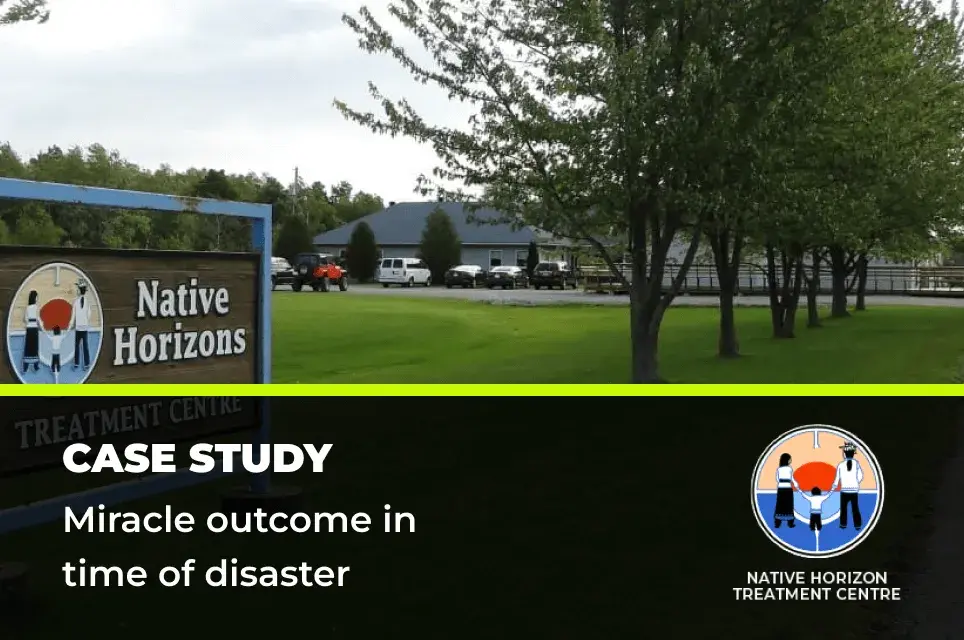
Miracle outcome in time of disaster

When IT Force first came on the scene, Native Horizons Treatment Centre, a registered charitable organization, had no reliable phone system or centralized server. Although technology and communications are important to them, they had no IT expertise and support to depend on. There was no integration between business apps, no security. They were exposed to every possible security, failure and redundancy risk. Later, the organization experienced a fire and burnt to the ground, destroying the entire administration wing.

Read more →
Case Study 1

Supporting people with restorative powers

Camp Maple Leaf (established in 1955) is a not-for-profit summer camp program for children where leadership’s focus has been more on the children being served than on the technology available to run the organization. When IT Force first met with them their IT capacity and acumen was only slightly higher than zero on a scale of 1 to 10, utilizing outdated laptops and mobile phones. Other than occasional tele-conference calls, the organization lacked the video conference capability which could bring together their geographically dispersed senior leadership team for organizational updates as required throughout the year. The same applied to their newly formed advisory council which lacked the platform to efficiently and effectively enable video meetings throughout the year. The lack of technology utilization also meant that, for the most part, group training of counsellors was limited to onsite-training only one week prior to the arrival of campers at the Camp. Not an ideal situation.

Read more →
Case Study 3

Cost savings for social purpose

In its early days Habitat for Humanity Niagara, a non-governmental and not-for-profit organization, was run by a small team of staff and volunteers who had little knowledge of IT technology or how it could support their efforts. Integration between business applications did not exist, no security measures had been implemented, and they faced all the risks associated with critical failures due to their lack of redundancy. They were quite literally working on borrowed IT equipment. The operation was strangled with no easy path to add new team members to the environment, much less expand their number of retail stores. Needing to address these conditions Habitat Niagara sought a managed IT services provider.

Read more →
Case Study 4

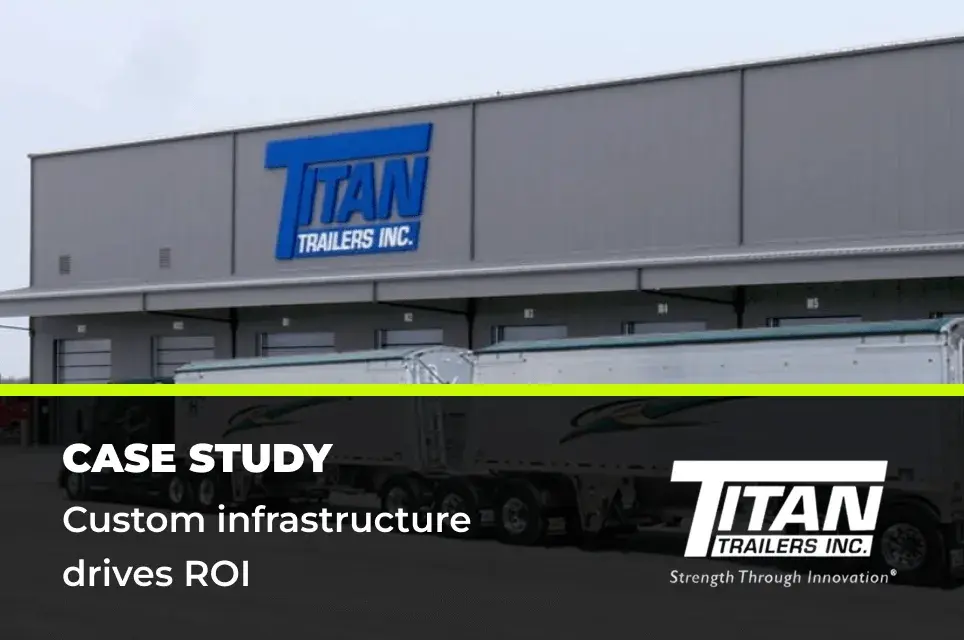
Custom infrastructure drives ROI

Custom-built trailer company, Titan Trailers is a long-time customer of IT Force. Information technology is fundamental to their ongoing operations and success. IT Force strategically helped expand their IT as the company grew from their legacy set up of having one server and eight workstations to their current 20 server SAN solution. They needed reliable and scalable IT that ensured continuous operation to their winning business.

Read more →

Frequently Asked Questions

What does securing SharePoint involve for my business?

Securing SharePoint focuses on protecting sensitive documents, controlling who can access information, and keeping your data safe from cyber threats. You get advanced threat monitoring, strict permission controls, and automated patch management. The goal is to ensure only authorized users have access, while proactive monitoring keeps your files secure and your business compliant with industry regulations.

How will securing SharePoint benefit my teams collaboration?

With a secure SharePoint environment, your team can confidently share files and work together, knowing documents are protected from unauthorized access. Enhanced security means less risk of data breaches, while automated controls prevent accidental sharing outside your organization. This creates a safer, more productive workspace for everyone.

What is the process for implementing securing SharePoint at my company?

The process starts with a security assessment of your current SharePoint setup. Then, tailored security settings are configured, including permission management, threat detection, and automated updates. Regular monitoring is set up to catch any suspicious activity, and your staff receives guidance on secure collaboration best practices, ensuring a smooth transition.

How long does it take to secure SharePoint and what does it cost?

Most SharePoint environments can be secured in a couple of days, depending on your company size and current setup. Pricing is flexible, offering options based on your teams specific needs and user count. Youll receive clear upfront costs, and theres no monthly commitment, so you can adjust services as your business grows.

Why choose this provider for securing SharePoint over others?

You benefit from a team with over 25 years of experience, rigorous employee screening, and a structured communication process. The approach includes: AI-driven threat detection for SharePoint Continuous monitoring and automated patching Personalized support that adapts to your workflow No-risk trial periods and flexible, commitment-free pricing This ensures your SharePoint is secure, efficient, and always aligned with your business needs.